Personal onboarding is a tailored process that helps a new client understand, set up, and start your signature program for them in a personalised, hands-on way.
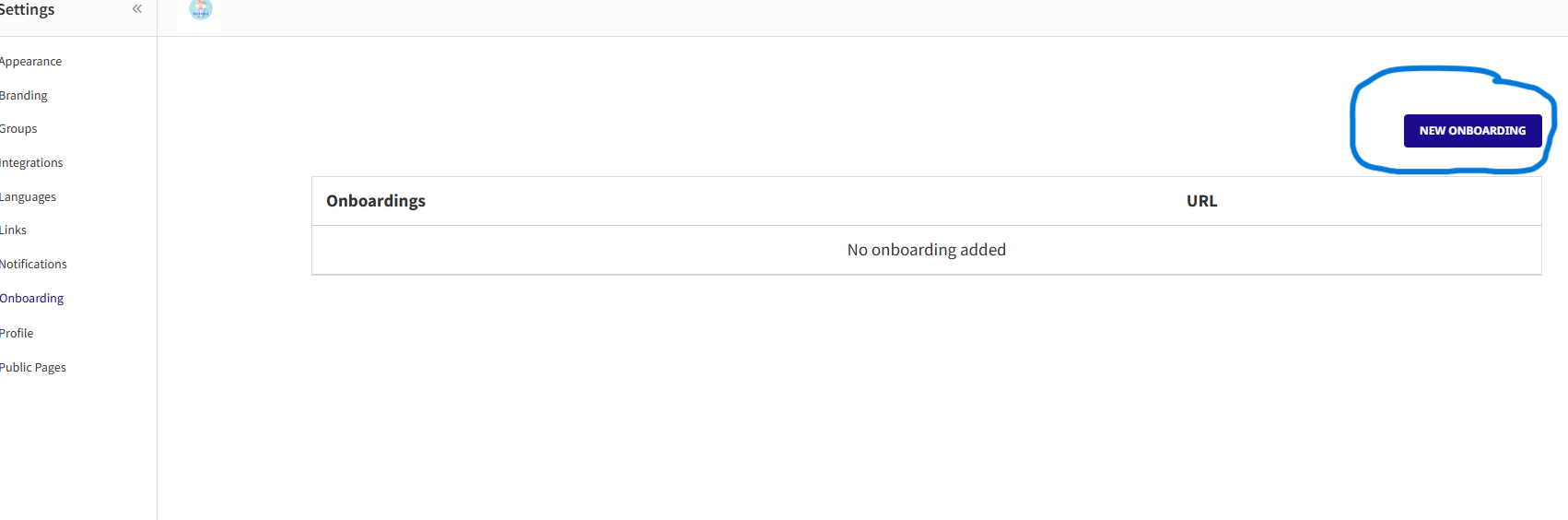
To start your personalised onboarding, just go to Settings> Onboarding
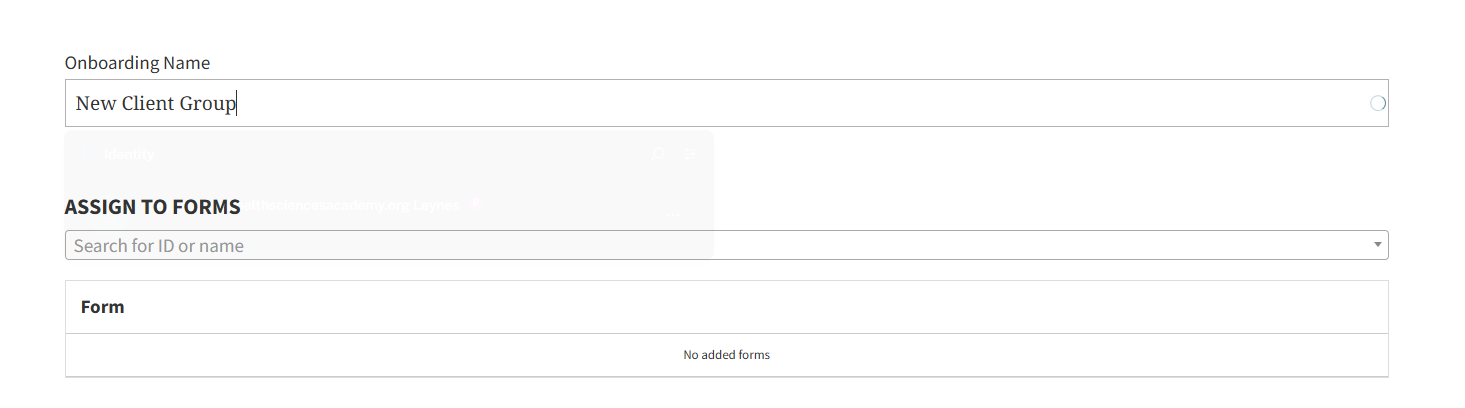
Create a title for your onboarding. It may be a generic one for new clients.
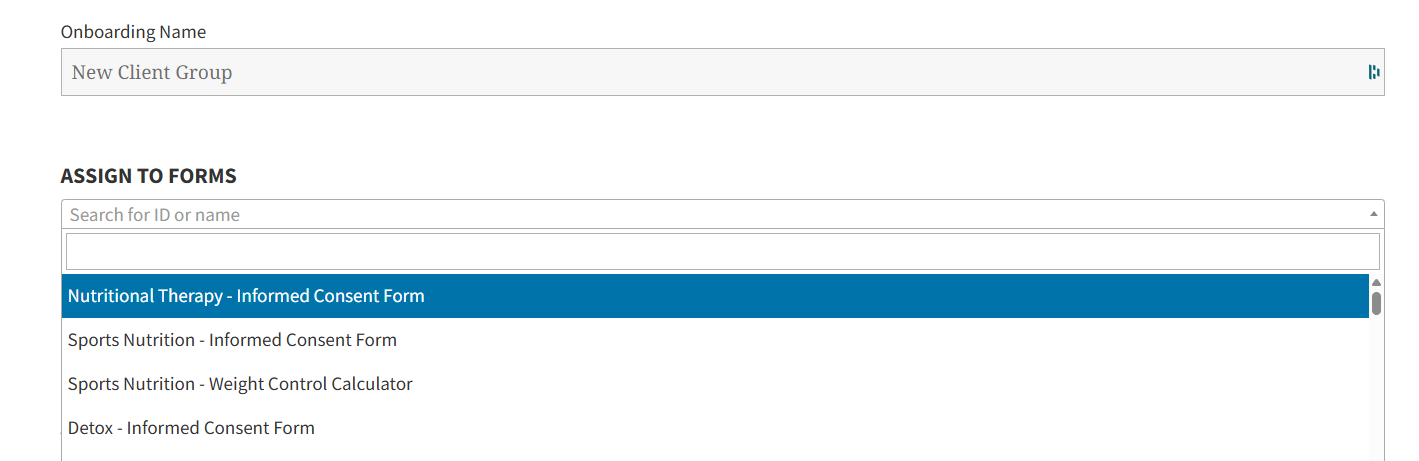
Select the forms you want to assign to your onboarding. You can type in the specific forms you’d like your client to accomplish.
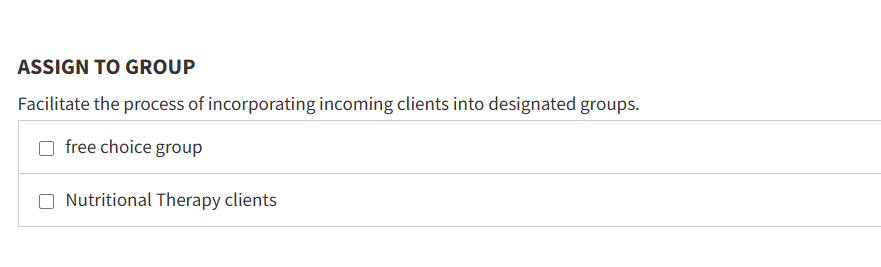
Then, you can also assign to a specific group ( if you have already created groups for your clients)
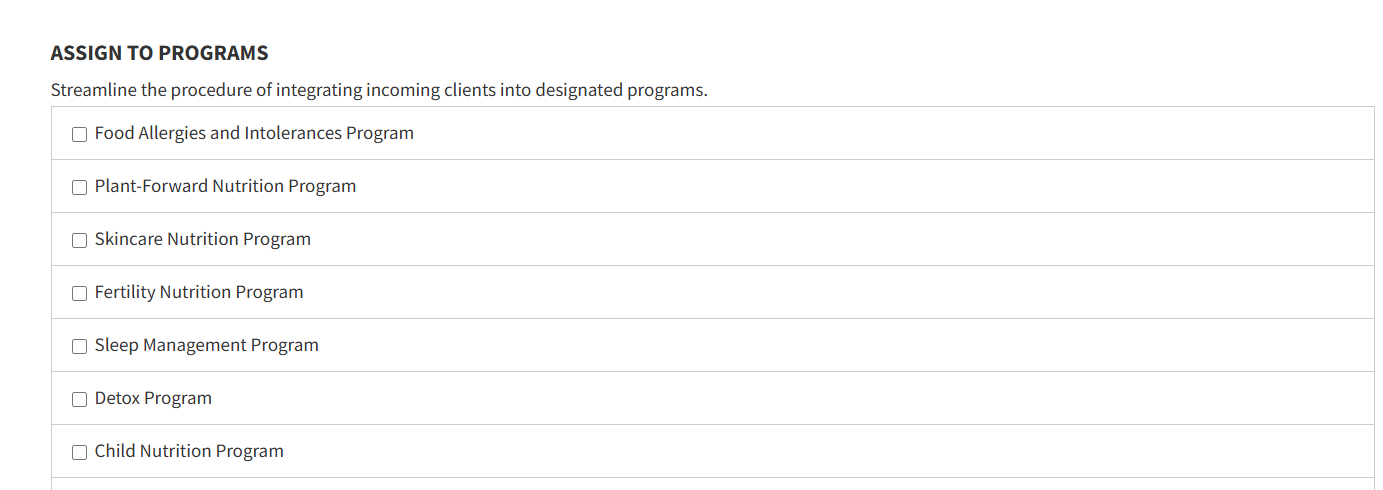
If you are subscribed to any of the THSA Preset Programs under the Custom Apps, you also have the option to select the program you’d like them to be in.
Note: You can do this at a later time
Save the changes
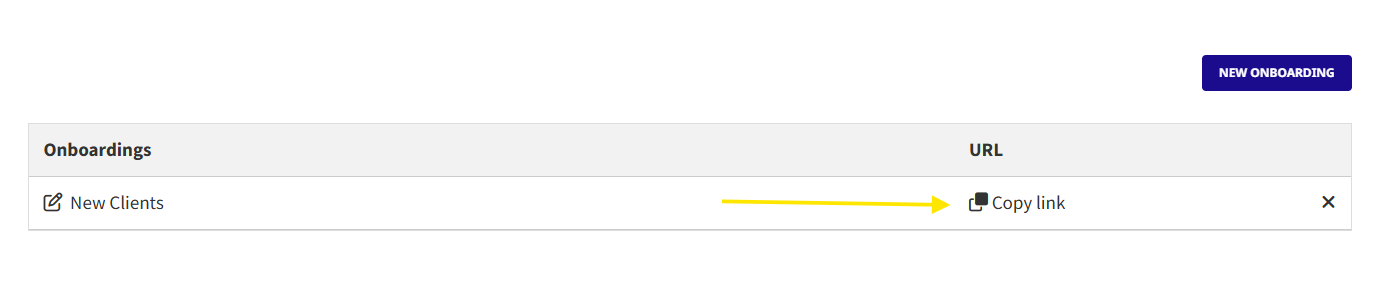
After saving, the toolkit will automatically generate a link for you so you can send to your clients or embed on your website.
For further questions or clarifications, please contact the team.