Understanding Your Clinic Toolkit Materials: Forms, Trackers, and Session Handouts
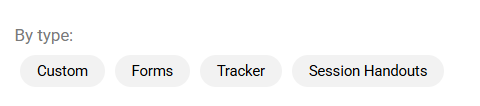
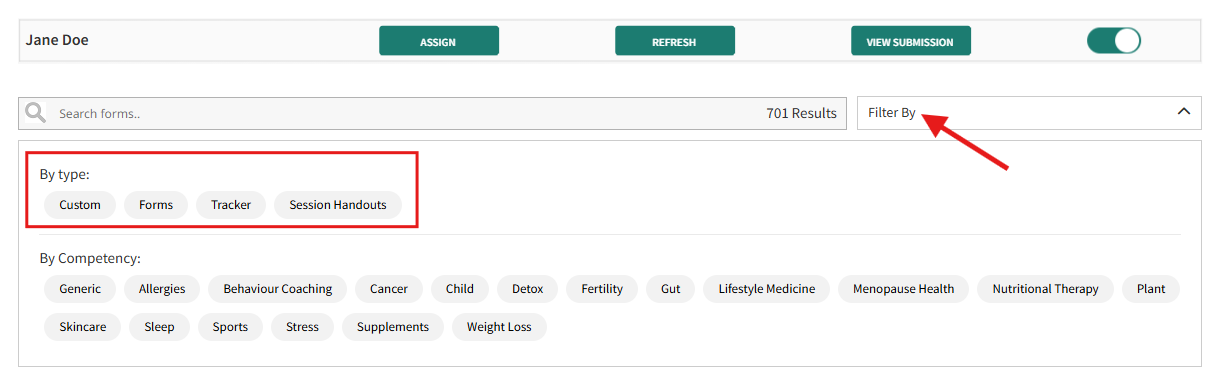
The Clinic Toolkit provides three primary material types designed to streamline client interaction and progress monitoring: Forms, Trackers and Session Handouts. There is an inclusion of a Custom type for professionals who would like to customise forms, trackers and session handouts.
FORMS
Forms are dynamic assessment tools, including evaluations, checklists, and open-ended questionnaires. You can send these to clients for completion. You have the flexibility to resend forms at various stages of a program to facilitate progress comparison over time. You will receive real-time email notifications as soon as a client completes a form.
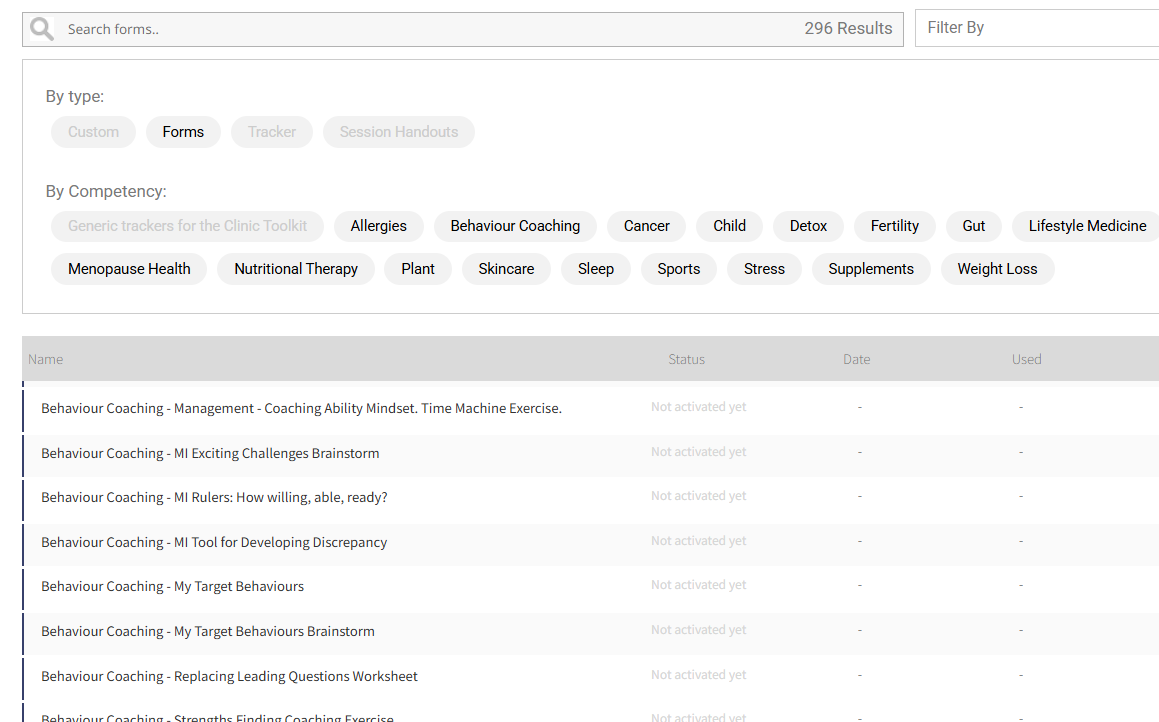
Once a client completes a form, you will see in the “View Submission” tab as “ Completed.”
Click here on how to send a form to a client
TRACKERS
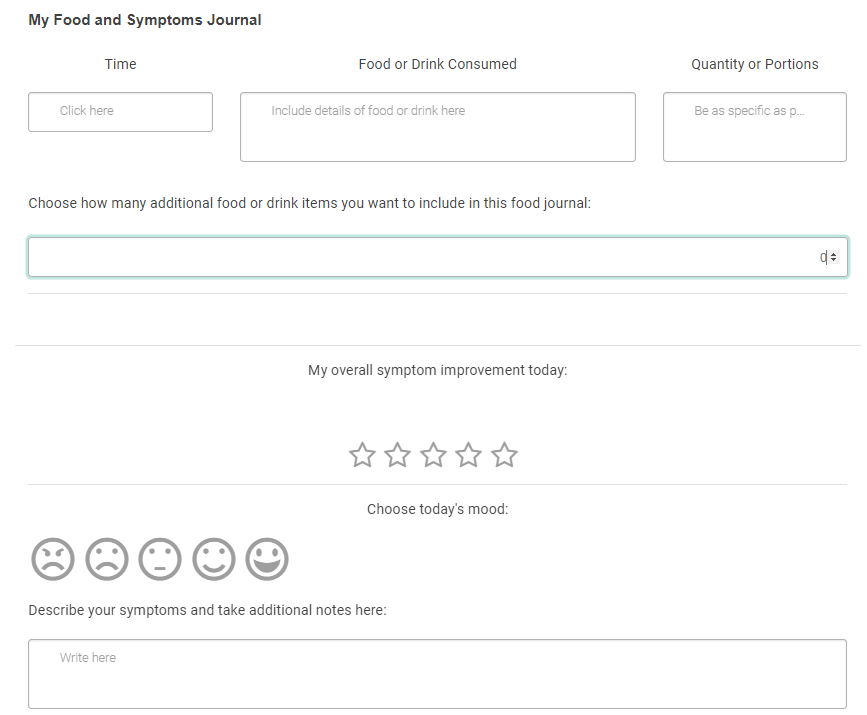
Trackers are designed for continuous data recording. They enable clients to log information over multiple time points. Examples include food journals for meal-by-meal dietary notes or daily symptom trackers for logging symptoms and overall well-being. You will receive notifications when a client completes a tracker entry.
The status will display as “ In Progress” upon client completion reflecting their continuous data entry nature.
For example, a food journal allows clients to note what they eat after each meal. Similarly, a daily symptoms tracker enables clients to log any symptoms or describe how they feel each day.
Here’s an example of a Tracker:
Click here on how you can send a Tracker to a client
SESSION HANDOUT
Session handouts are vital for providing personalised recommendations and documenting tailored advice for your clients. These comprehensive resources, which include swap guides, planners, and calculator results, enable you to communicate strategies aligned with your client's specific goals.
You can use handouts to add notes, introduce new strategies, and highlight crucial follow-up points. This ensures clients stay on track and progress effectively. You have the flexibility to either send blank handouts for clients to complete or fill them out yourself before sending, depending on the client's needs and your workflow.
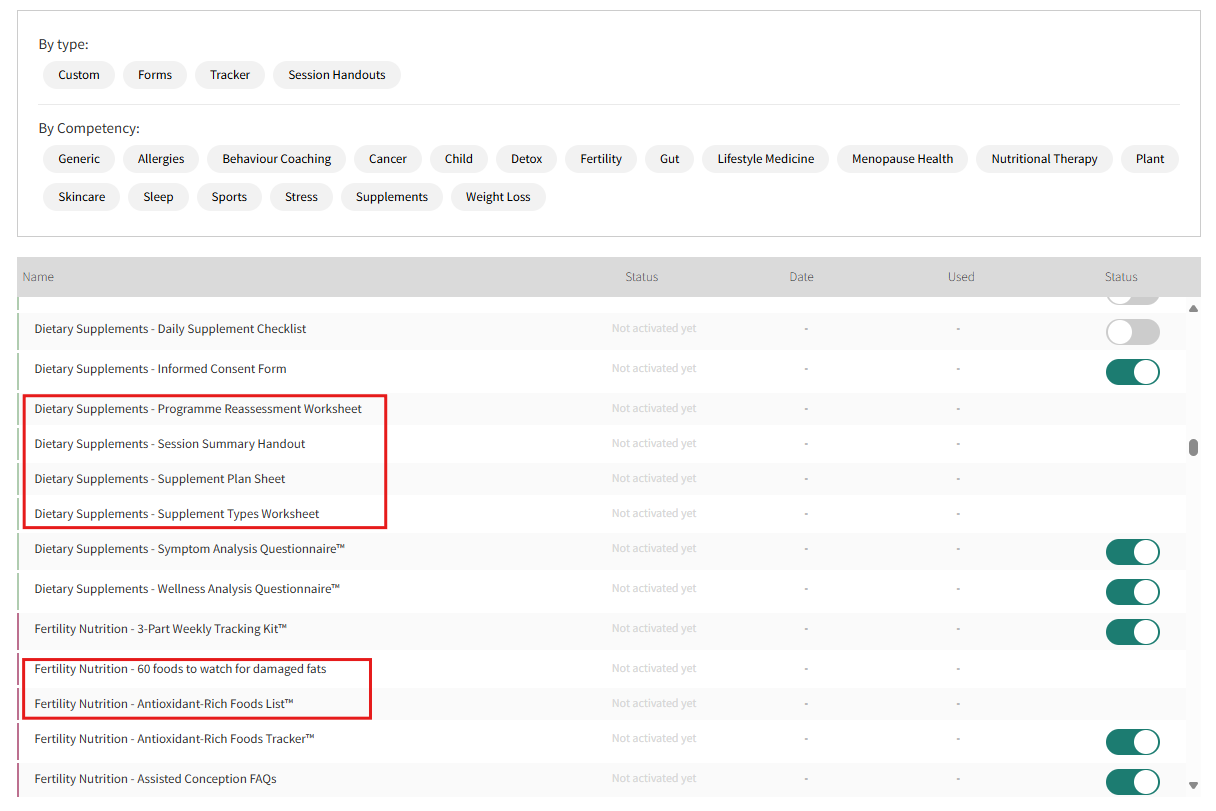
You can easily identify and manage Session Handouts with your dashboard. Use the filter feature to sort materials by type ( Custom, Forms, Trackers, and Session Handouts).
Additionally, session handouts are distinguishable by the absence of the toggle button used to assign Forms and Trackers to clients. The materials highlighted in the boxes in the image below are examples of Session Handouts.
How to Share a Session Handout with a Client:
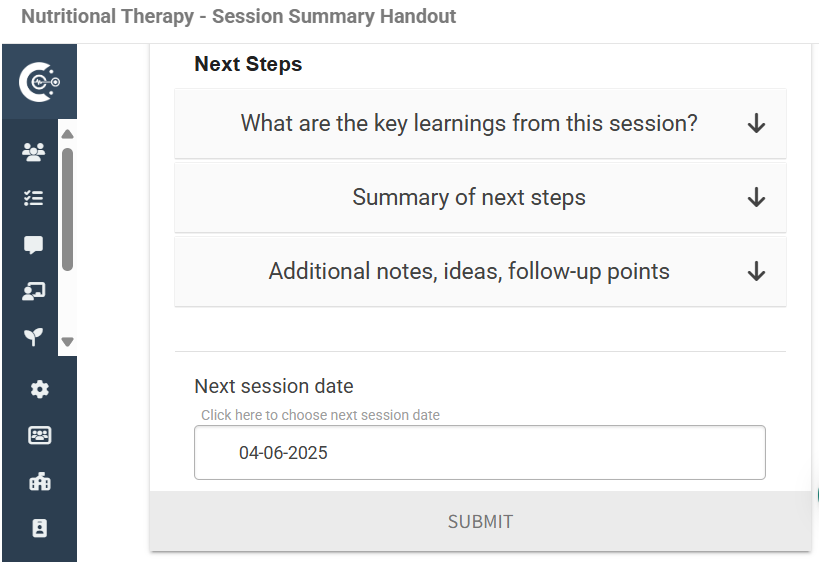
Select the client or group.
Search for the Session Handout by name or use the filter.
Click the handout title to open a preview.
Add your personalised recommendations and notes with the preview.
Click “ Submit” to send the Session Handout to your client.
CUSTOM
To customise a form, tracker or a session handout, you may request it from the team, and we will create it for you and upload it to your Clinic Toolkit. Kindly contact the team for more details.
Should you have any questions, feel free to ask the team.