How to edit client email addresses
Benefits for the professional: It reduces time spent troubleshooting failed email deliveries and data entry errors and inconsistencies. It maintains a clean and up-to-date client database. It also demonstrates attention to detail and a commitment to accurate information.
Benefits for the client: It ensures they receive important appointment reminders, updates and information. It reduces the frustration of missed or misdirected emails. It reduces the need for clients to repeatedly provide their contact information.
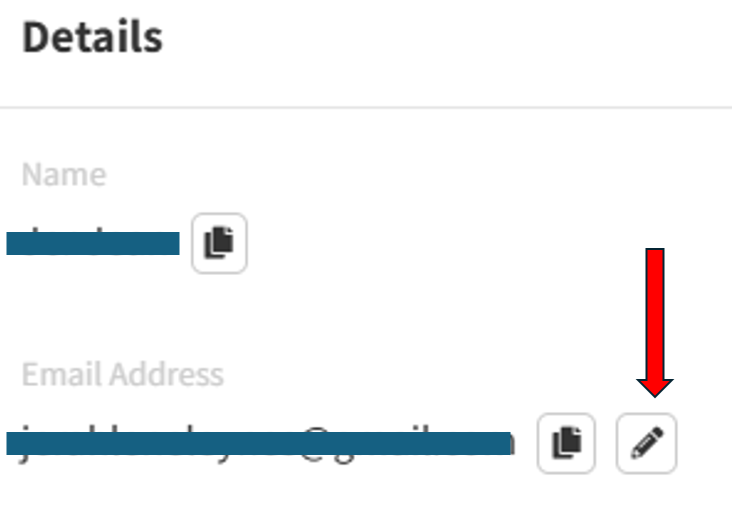
You can now edit client email addresses directly within the client profile section of the Clinic Toolkit. Simply navigate to the client’s and click it. In your client’s profile, locate the email address field, click the pen icon and make the necessary changes.
This update reflects our commitment to providing you with the tools necessary to maintain accurate and up-to-date client information.
We encourage you to utilise this new feature to ensure seamless communication with your clients.
Please contact our support team if you have any questions or require assistance.