Client Dashboard Control
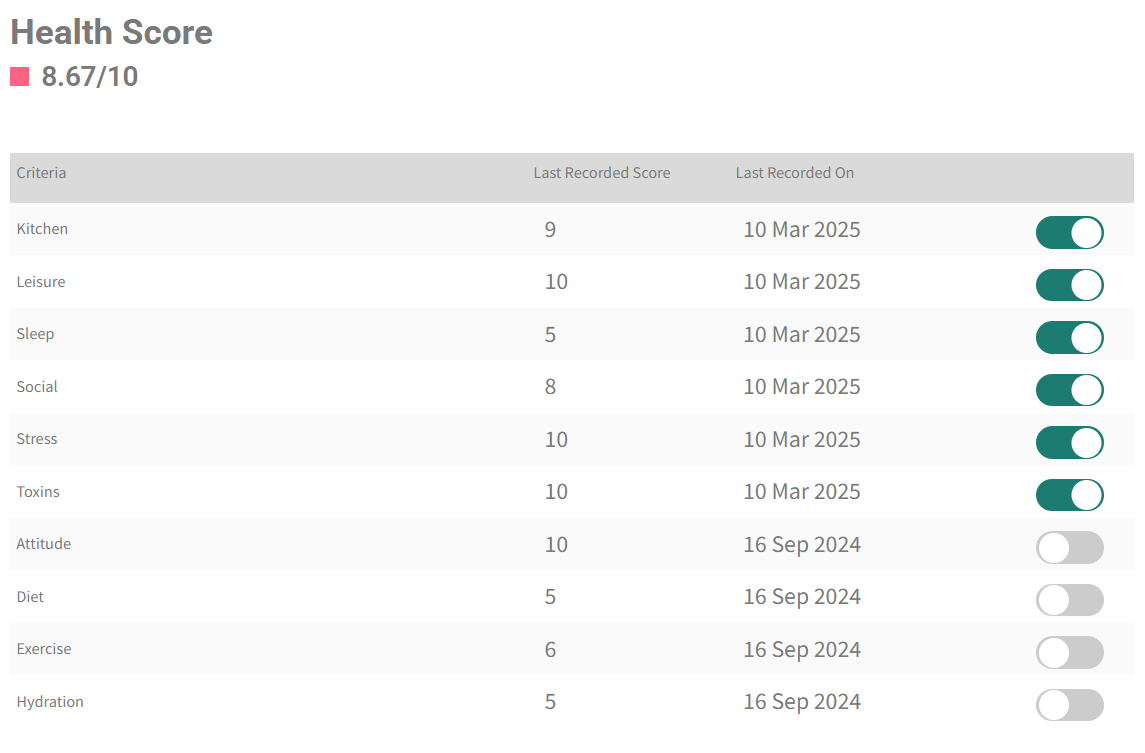
The Client Dashboard control contains the health metrics you want to track for a client. It has the following criteria: kitchen, leisure, sleep, social, stress, toxins, attitude, diet, exercise and hydration.
Benefits for Professionals:
You will gain a comprehensive and real-time view of their client’s health status, progress and adherence to your programs. This allows for a deeper understanding of individual needs and challenges to tailor your programs and make necessary adjustments for optimal outcomes. The dashboard visually displays progress over time, providing tangible progress leading to client increased satisfaction and retention.
Benefits for Clients:
Clients gain a clearer understanding of their own health status, and it makes it easier for clients to see their progress they are making, which can be highly motivating. It empowers clients to take a more active role in managing their health and well-being. Thus, open access to health data fosters transparency and trust between clients and professionals.
To go to the Client Dashboard control, here are the steps":
Log into your Clinic Toolkit.
On the CLIENTS page, you will see a new button at the top:

Click the button to be taken to the CLIENT DASHBOARD CONTROL.
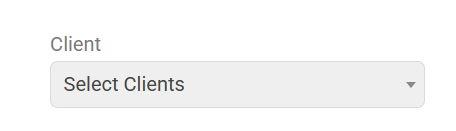
First, select the client for which you wish to track health metrics.
Next, confirm which health metrics you wish to track for this client. There are 10 default health metrics (as shown in the image below).
When you have selected the Health Metrics that you wish to track, send to your client the Lifestyle Self-Assessment by clicking the ‘Request Client Health Score,’ which contains questions for your client for these 10 default health metrics.
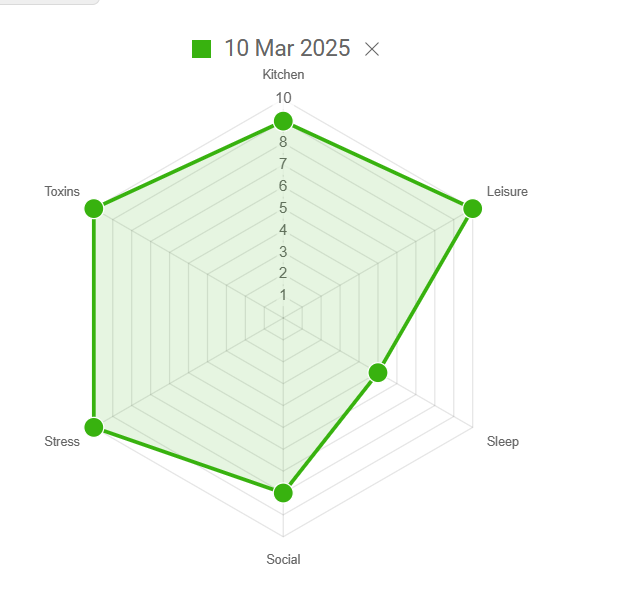
When your client has completed the form, you will then notice on your CLIENT DASHBOARD CONTROL page a spider diagram showing the results of their Lifestyle Self-Assessment.
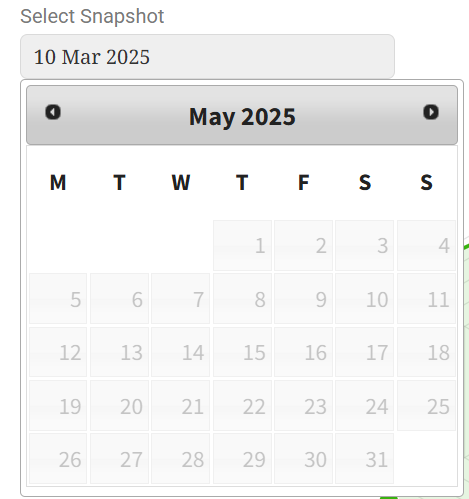
Select the date (or dates when they have completed the Assessment several times) that you would like to see displayed.
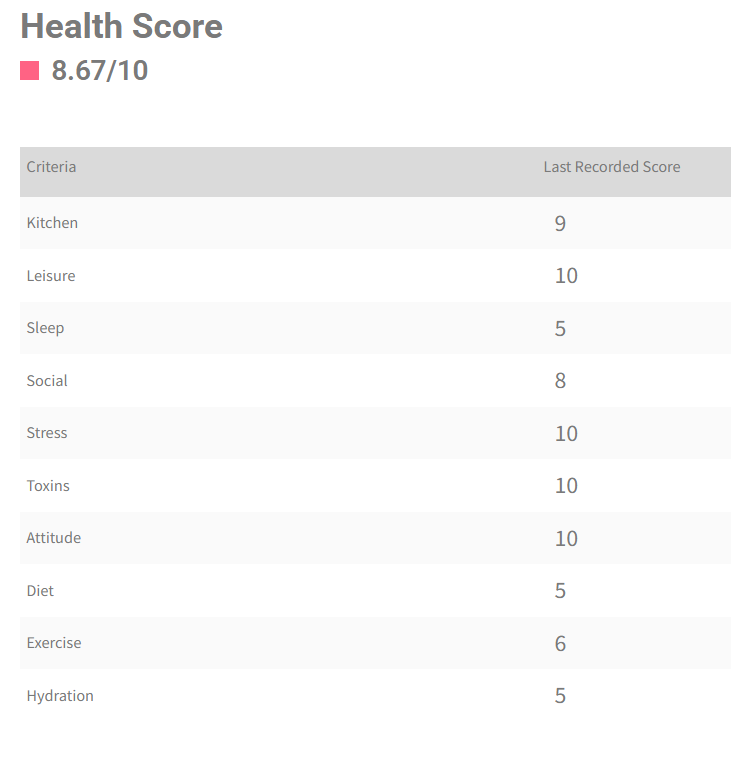
9. In the table below, you will also see the most recent score. An average Health Score is also displayed.
Note: Ask your client to complete the Lifestyle Self-Assessment every week or two to see how their score changes as they progress their program with you.
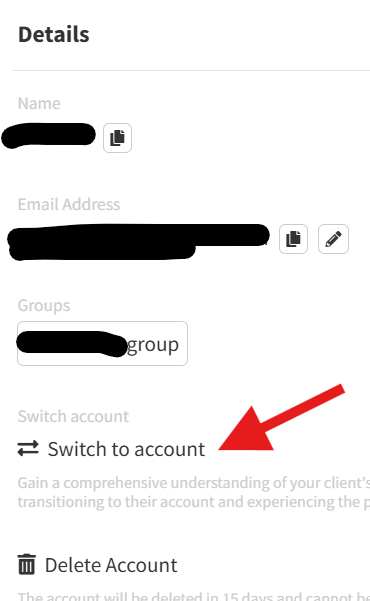
Once your client has completed the Lifestyle Self-Assessment, they will also see the spider diagram on their dashboard. You can see this for yourself by switching to your client’s view.