View your client information
Click on the “Client” tab in the left-hand side menu.
Check to see that “Individuals” are selected.
Click on a client name.
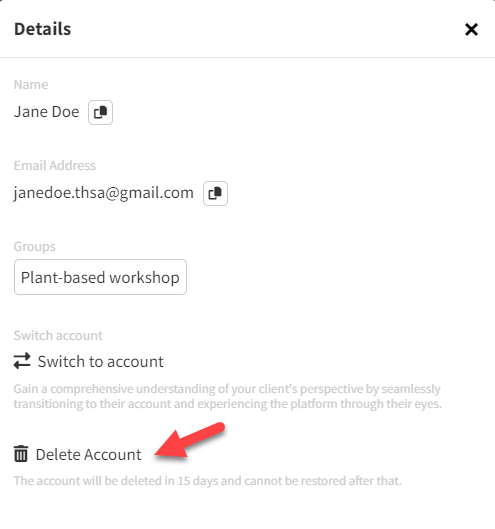
A pop-up will appear with the client name, email address, and groups that they are in.
You can click on the icon to the right of the name and email address to copy that information and paste it elsewhere.
If your client is in a group
Click on the group name to be redirected to the “Groups” area under the Settings.
Here you can edit the clients in that group by selecting the box next to each client name.
Switch to view the client account to see what your client sees
Click on the “Switch to account” button which is located at the bottom of the pop-up
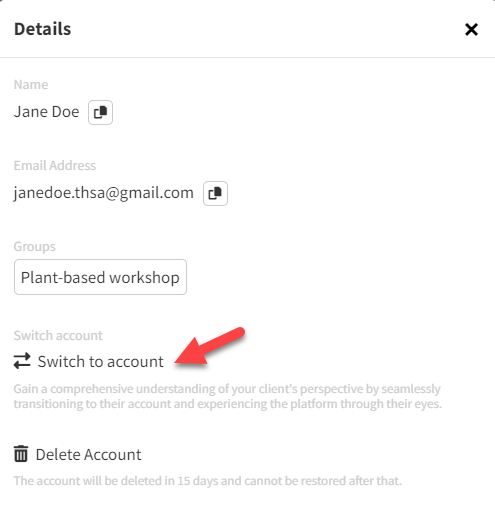
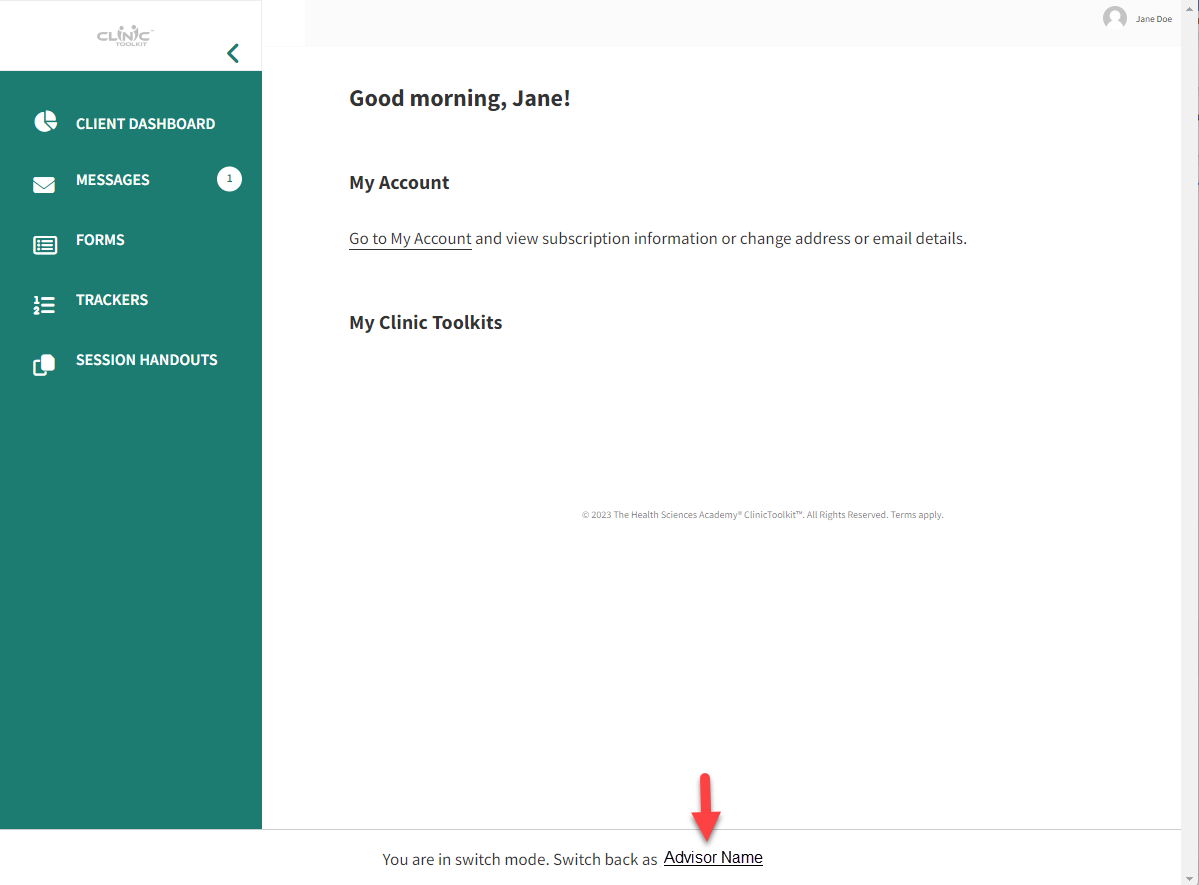
You will be redirected to your Client's account.
To return to your own Advisor account, simply click your name at the bottom of the screen:
Delete a client account
You are able to delete your client accounts at any time.
For a test client, the account and all the client details, forms, trackers, and handouts associated will be deleted immediately.
For a non-test account, there will be a 15-day grace period. This means, that after confirming that you wish to delete the client account, you will have 15 days to change your mind before all details are deleted.