To delete a client from your Clinic Toolkit, here are the steps to follow:
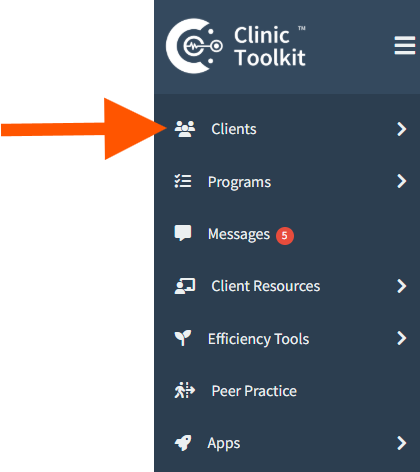
Go to your Clients Tab: https://clinictoolkit.com/clients/
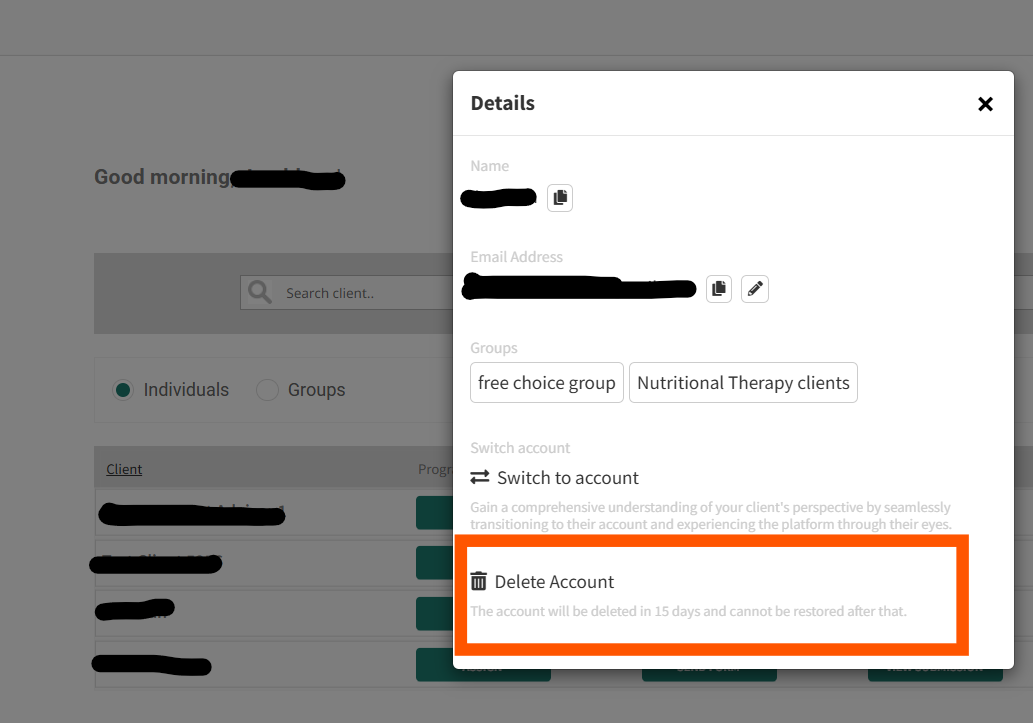
In your Client List, click the name of the client you want to delete. A pop-up window will appear. At the bottom, there is a Delete Account feature. When you click it, your client and data will be deleted within 15 days and cannot be restored after that.
Please contact the team if you have further questions.